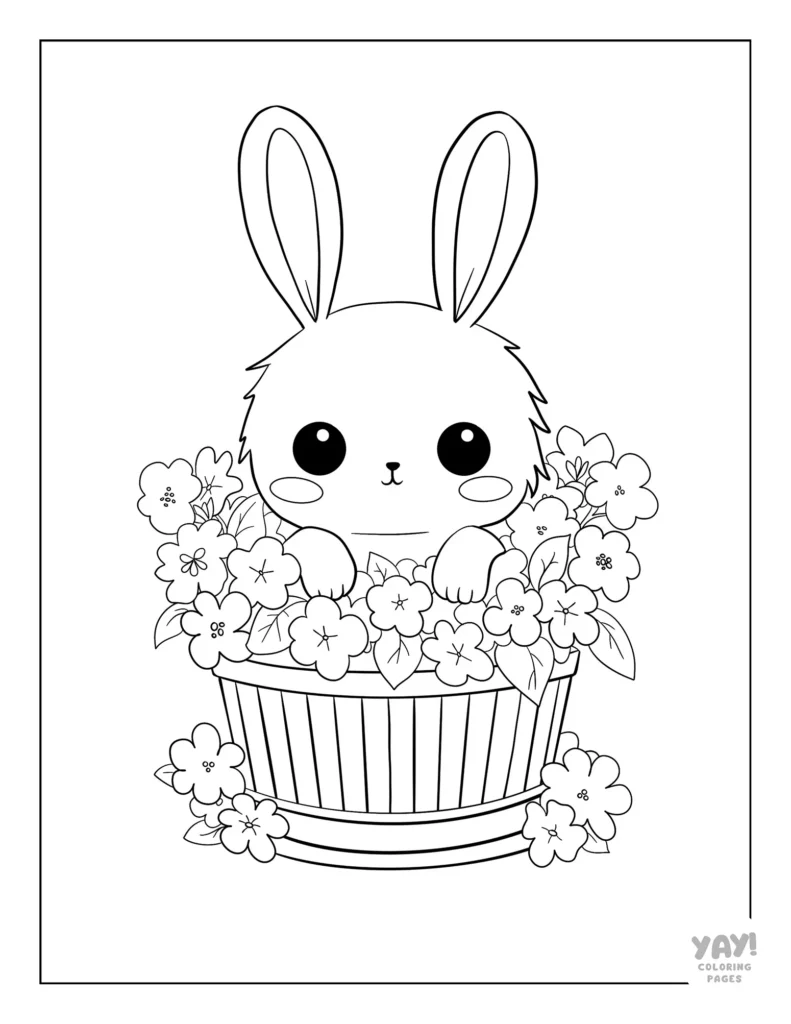
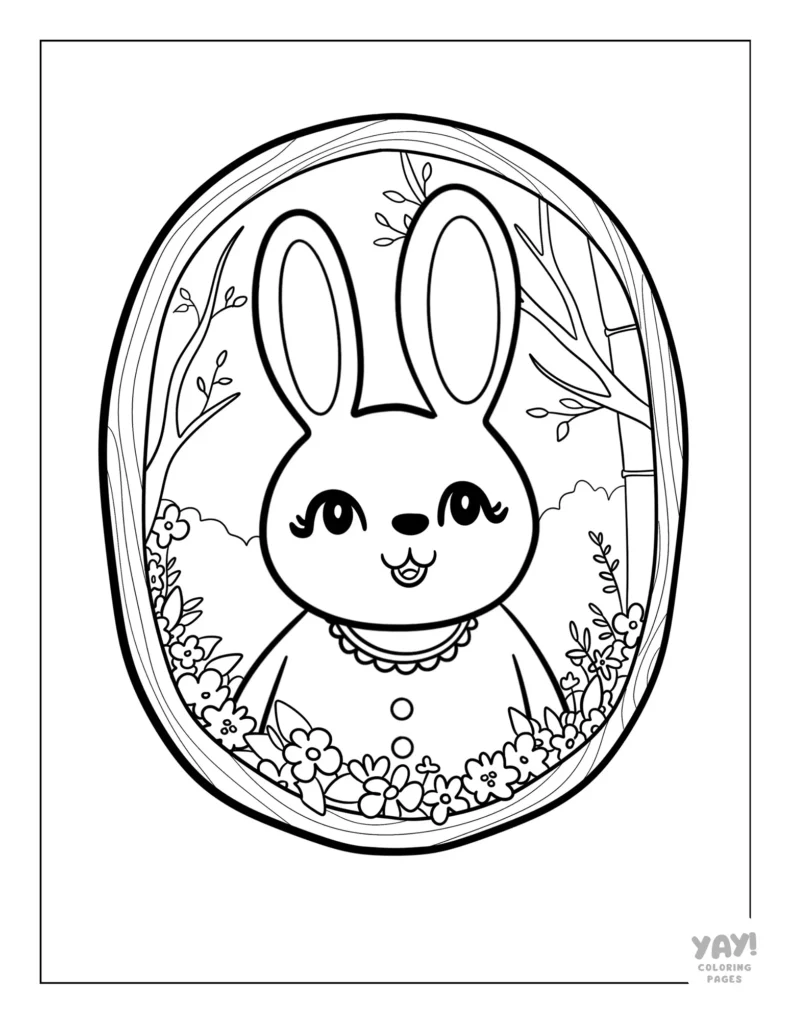
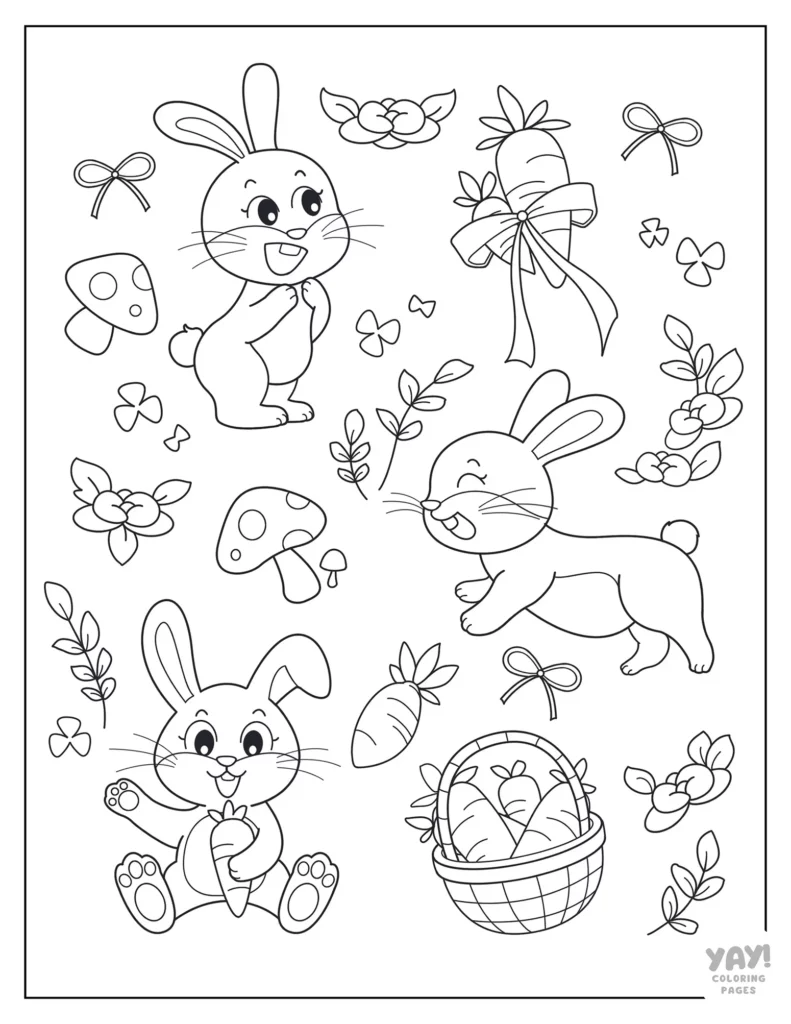
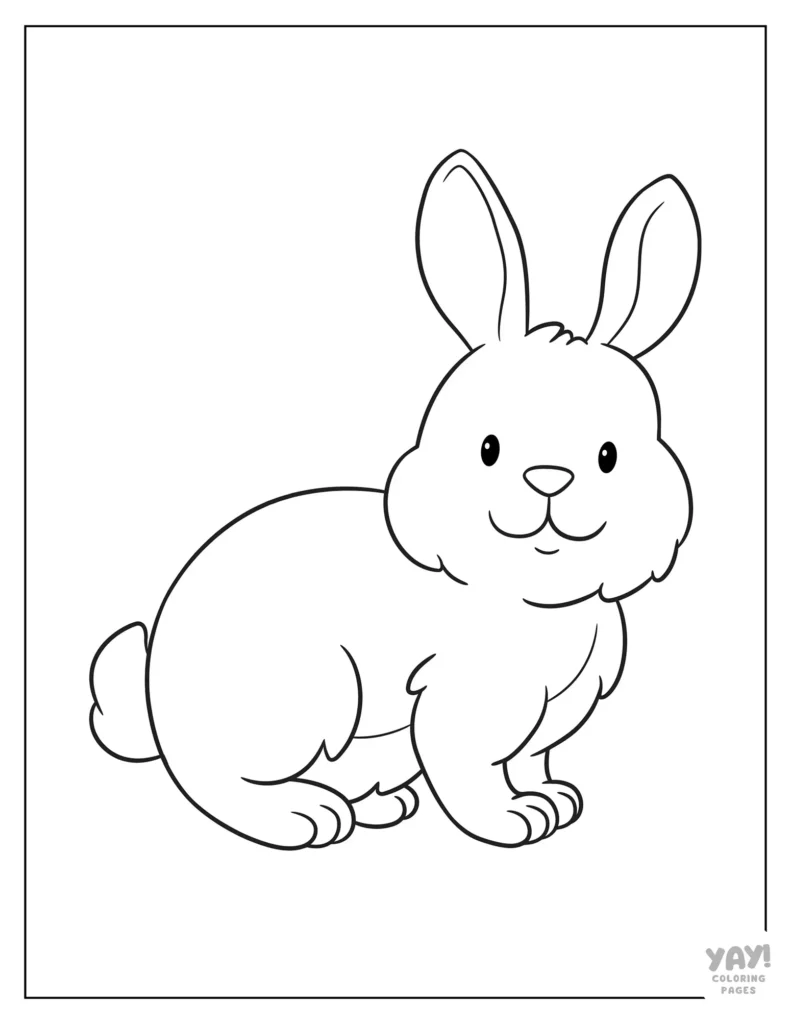
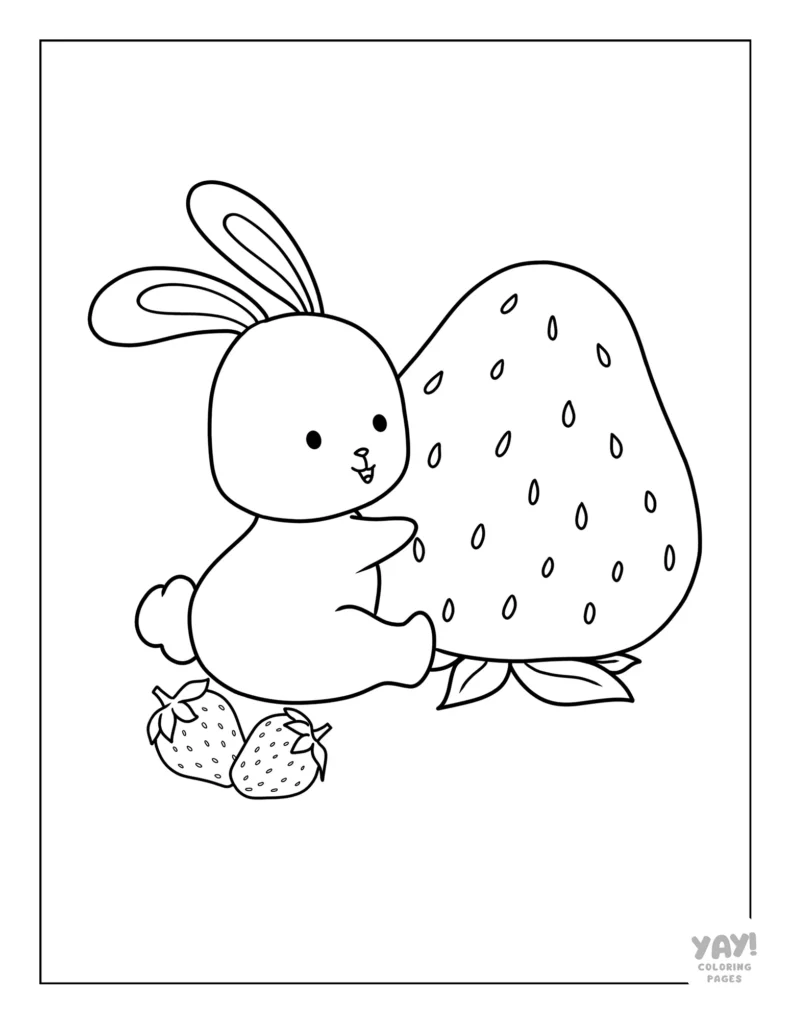
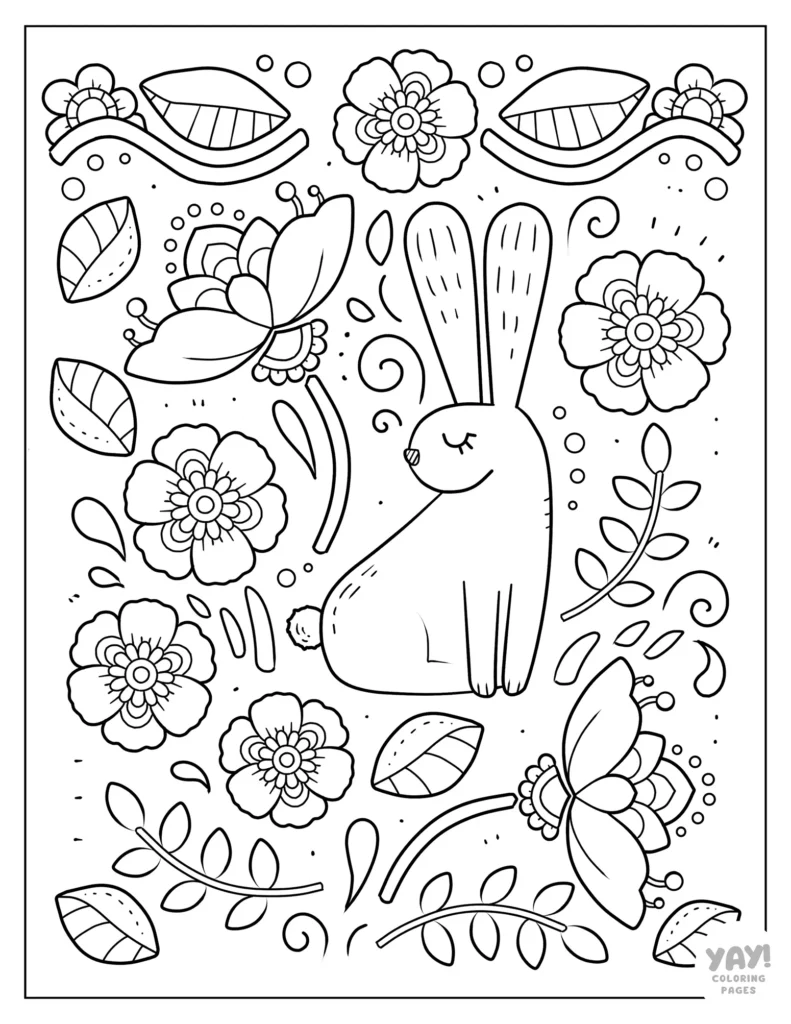
If you’re looking for the cutest bunny coloring pages on the internet, well, you’ve hopped over to the right place! Each of these 14 adorable coloring sheets is free to download and print. Bunnies are some of the cutest animals on earth, and we just couldn’t resist making a collection of coloring sheets that let you bring them to life.
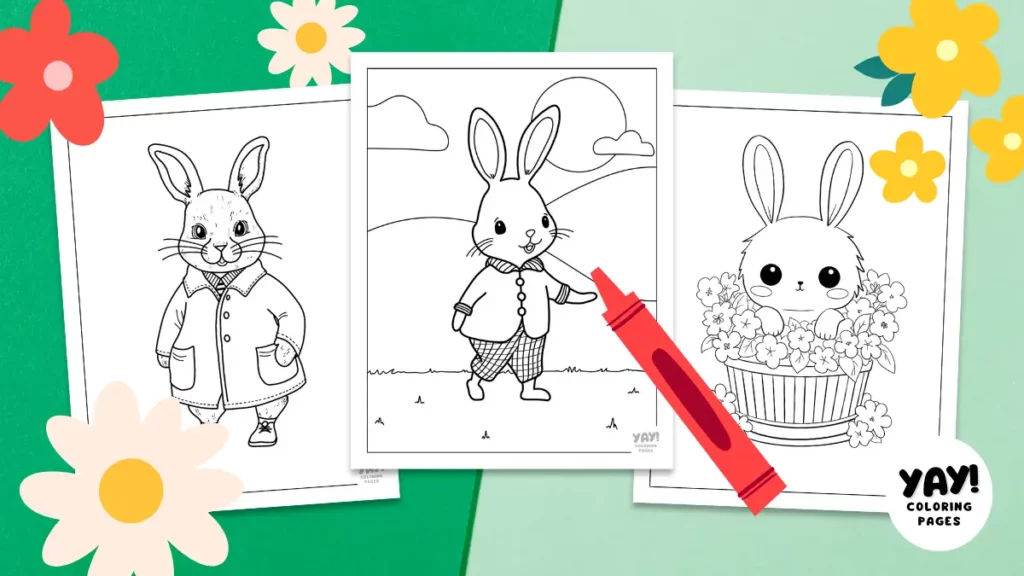
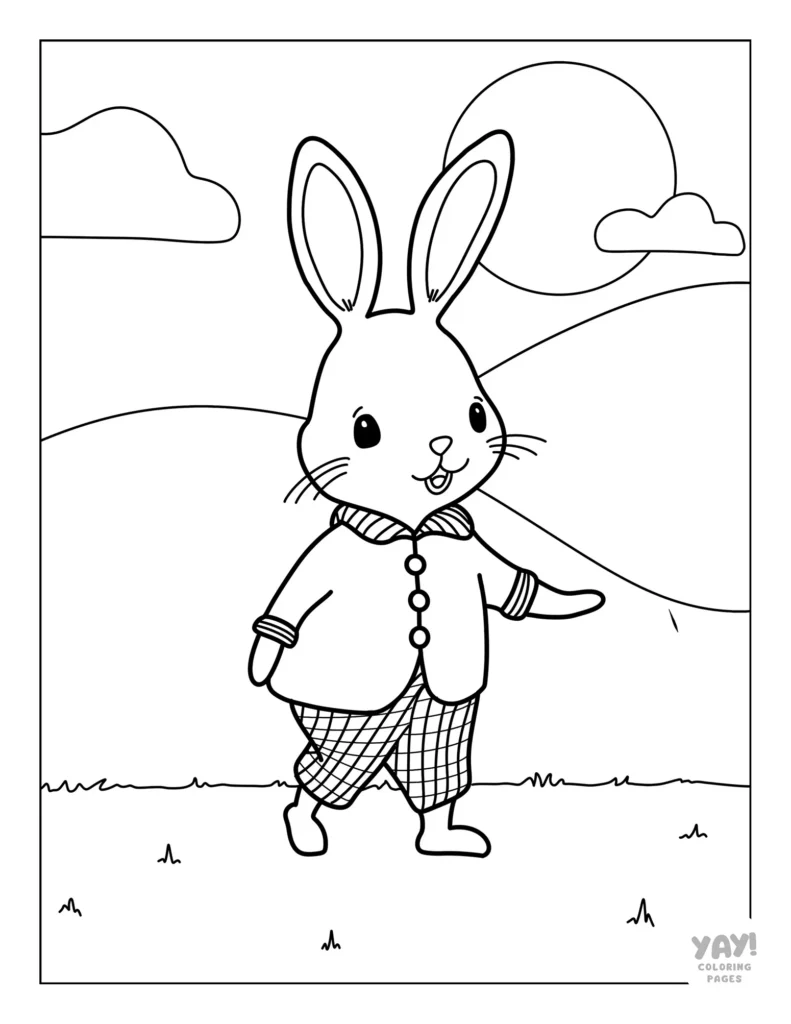
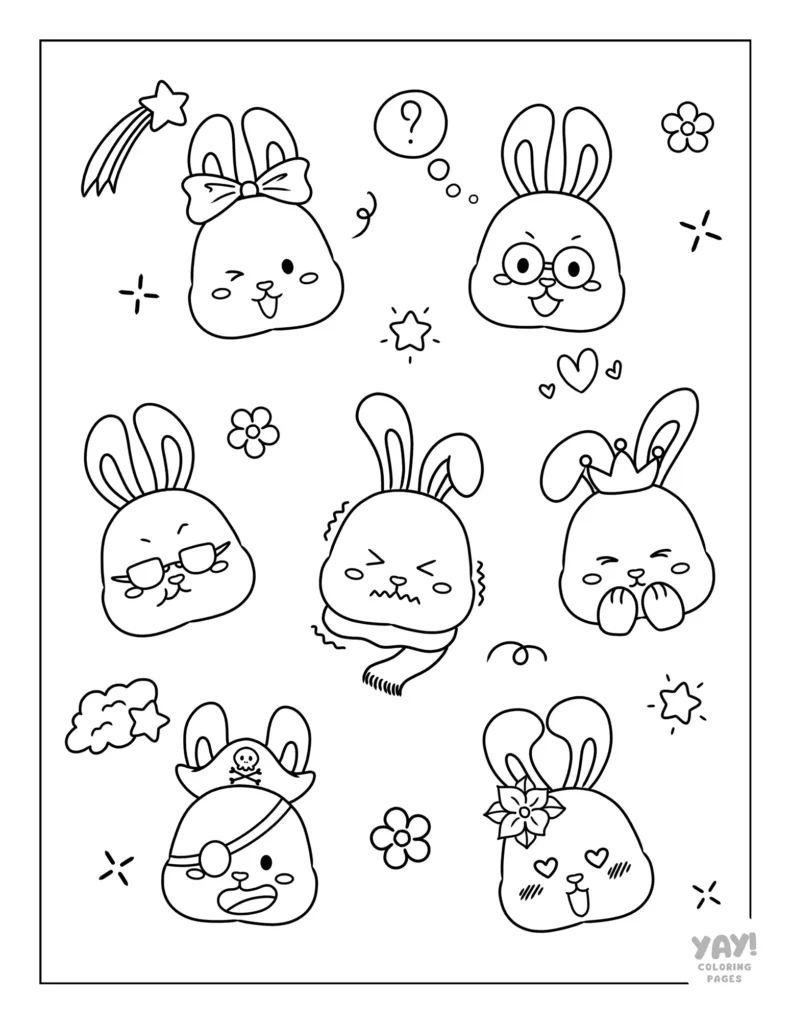
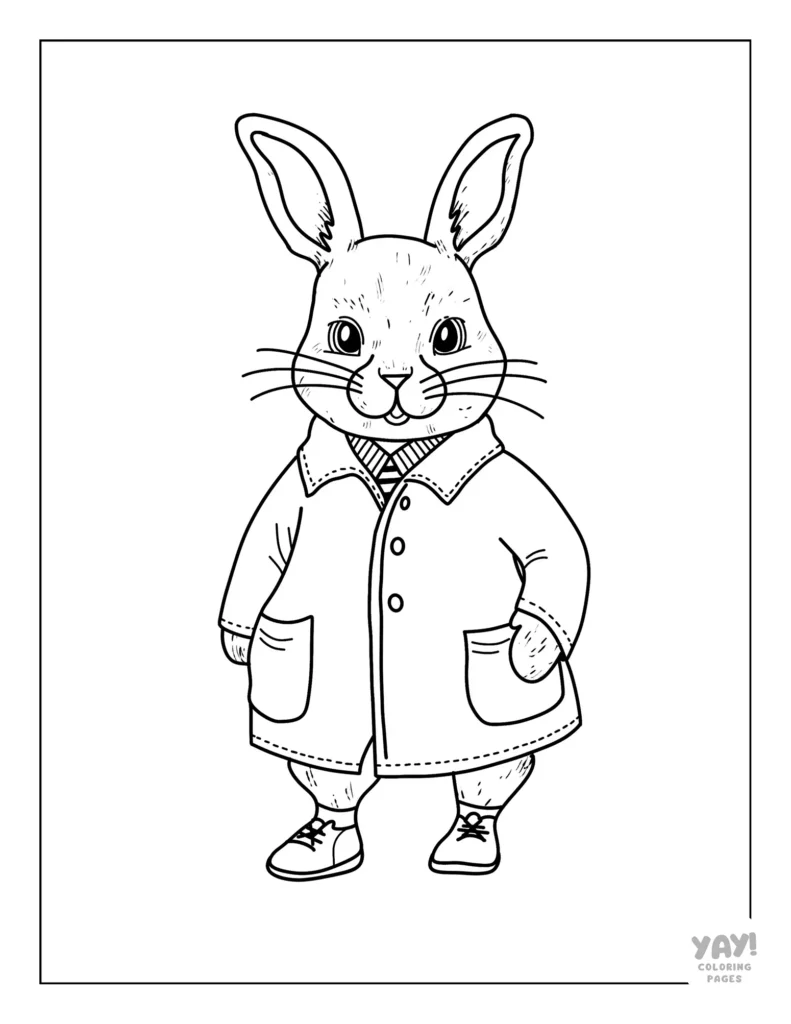
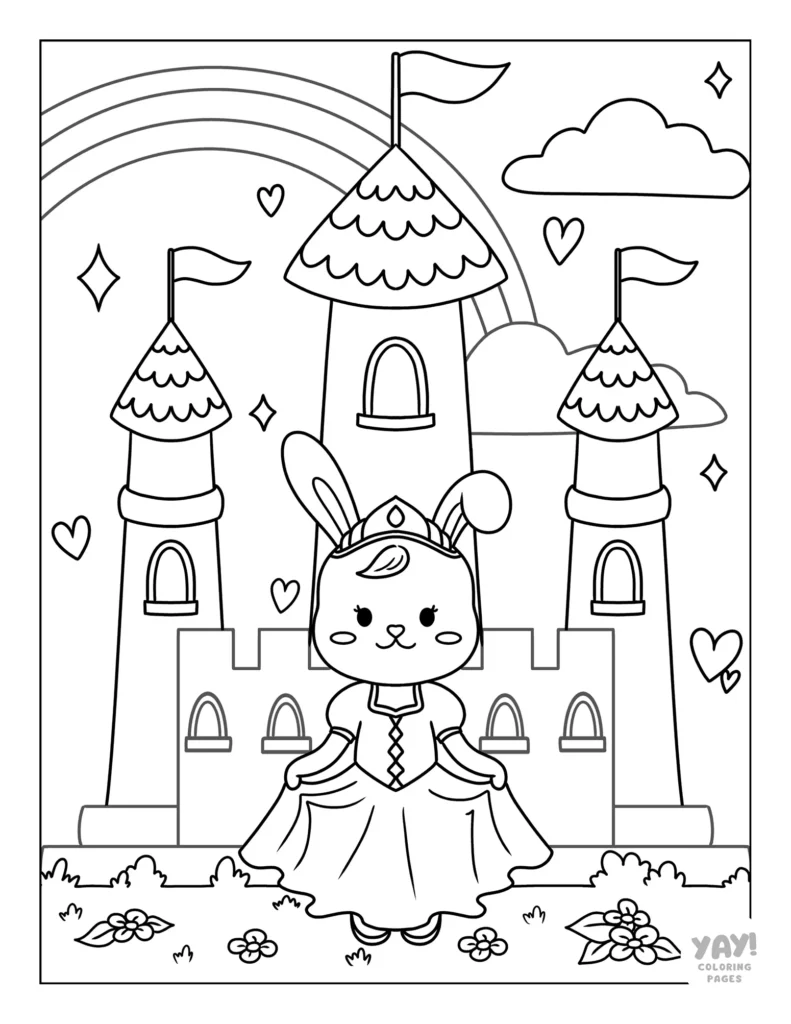
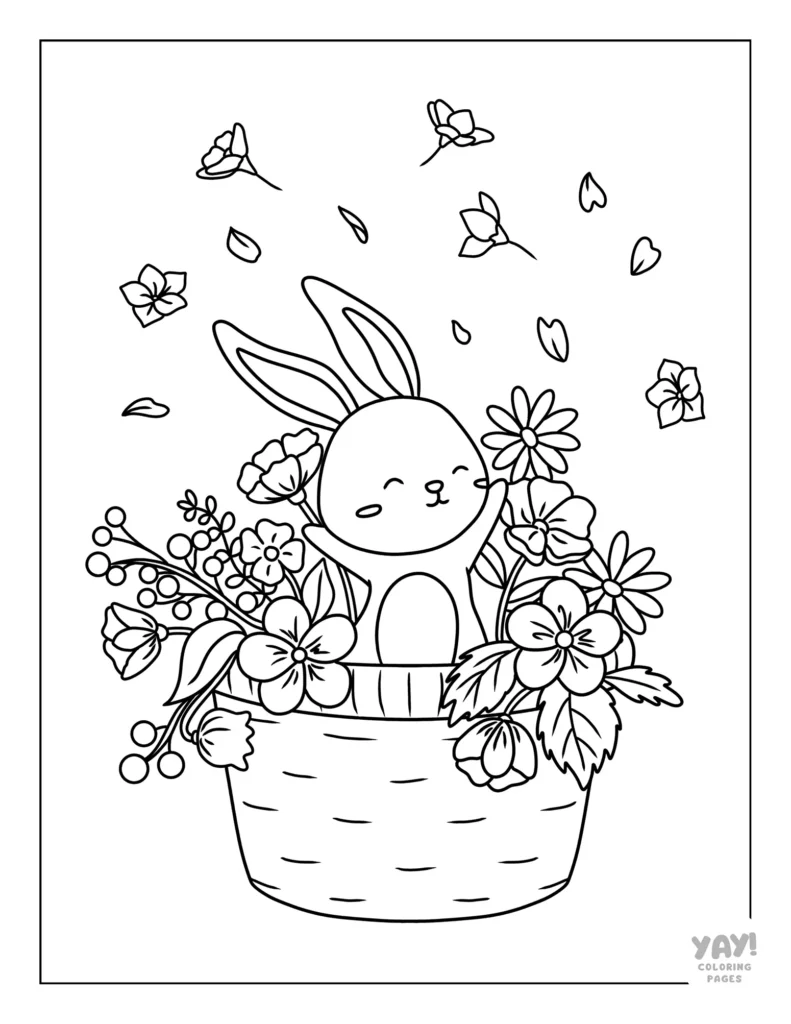
Our bunny coloring pages offer designs suitable for every age, from preschoolers to adults. This collection features a Beatrix Potter Peter Rabbit style design, cute Kawaii bunnies, and more!
How to Download Coloring Pages
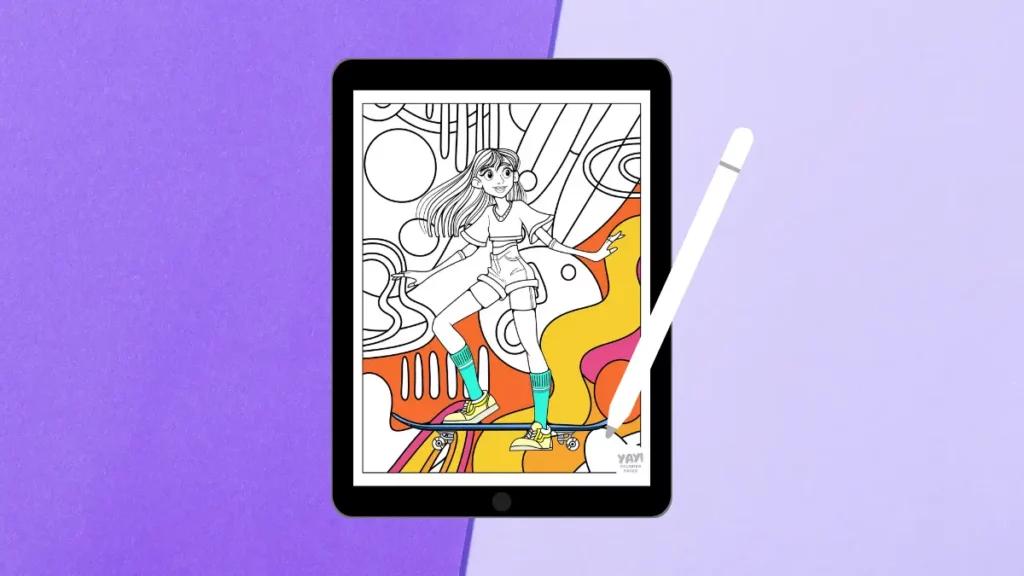
Each coloring sheet is a high-resolution letter size printable PDF you can color one of two ways: on paper, or digitally. Instructions for downloading free coloring pages are below.
Download and Print
- Click the coloring page you like. The link will open a PDF in a new window.
- Save the file to your computer, or print the page. Now you can get coloring right away!
Download and Color Digitally
- Click the coloring page you like. The link will open a PDF in a new window.
- Save the file to your computer or tablet.
- Open the file in your favorite coloring app. To color in Procreate, check our Guide to Coloring in Procreate for a quick tutorial on how to get set up.
All coloring pages are for personal, non-commercial use only.
Bunny Coloring Pages
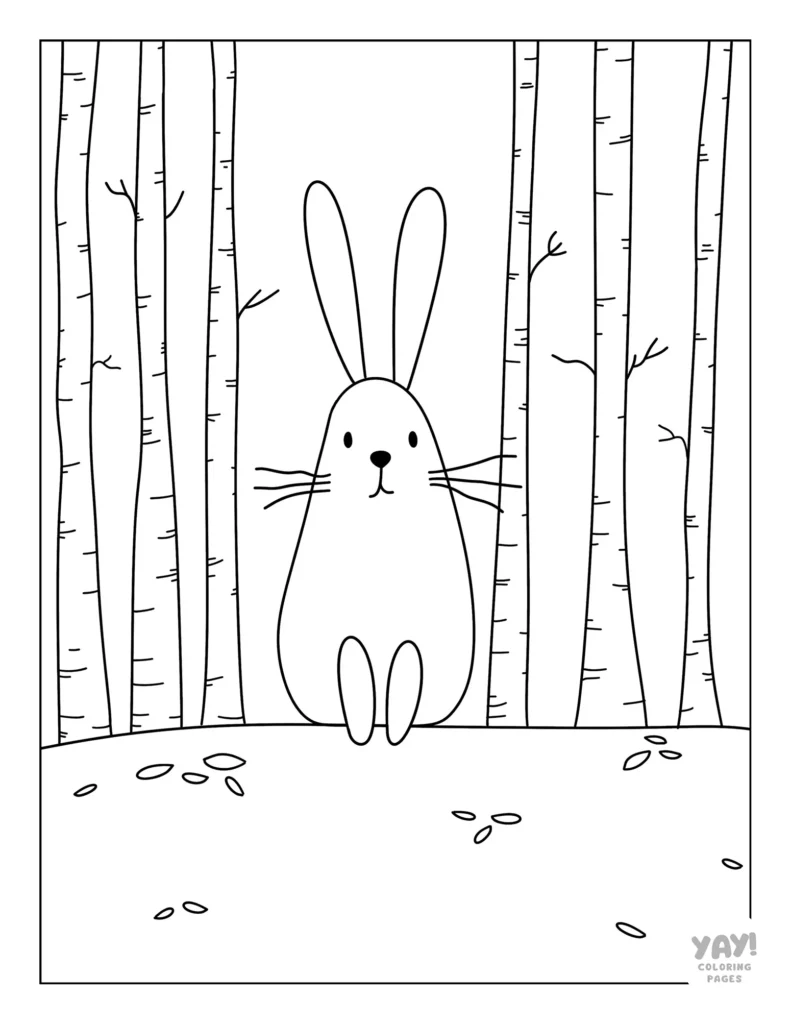
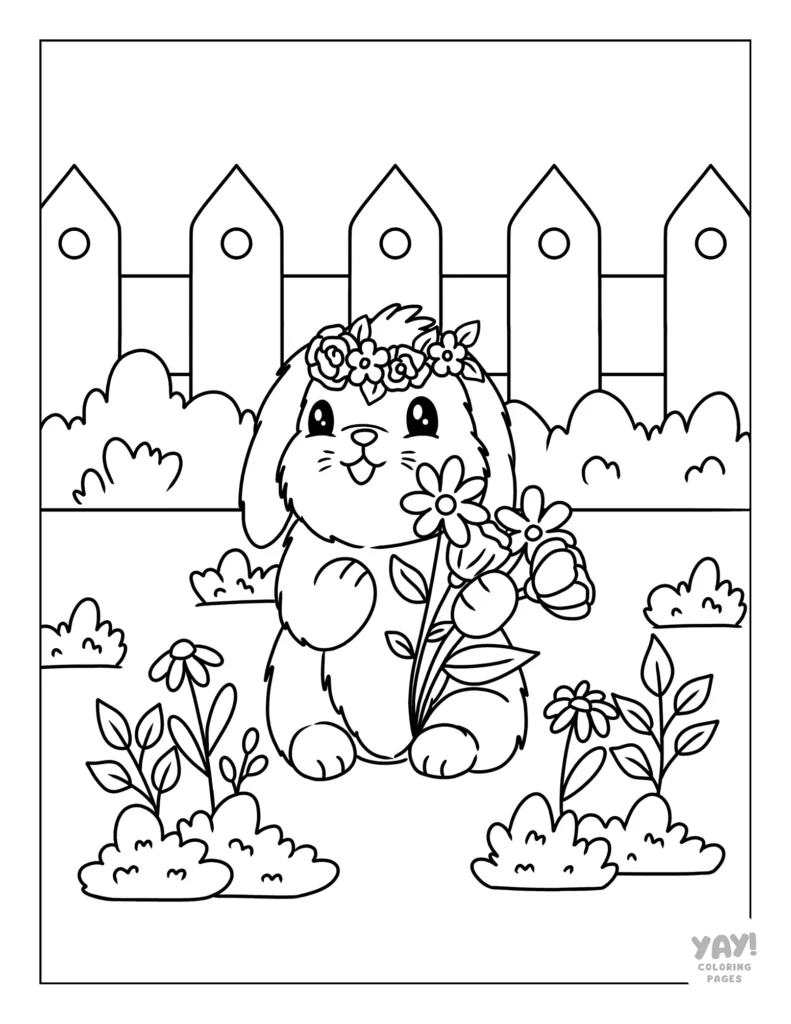
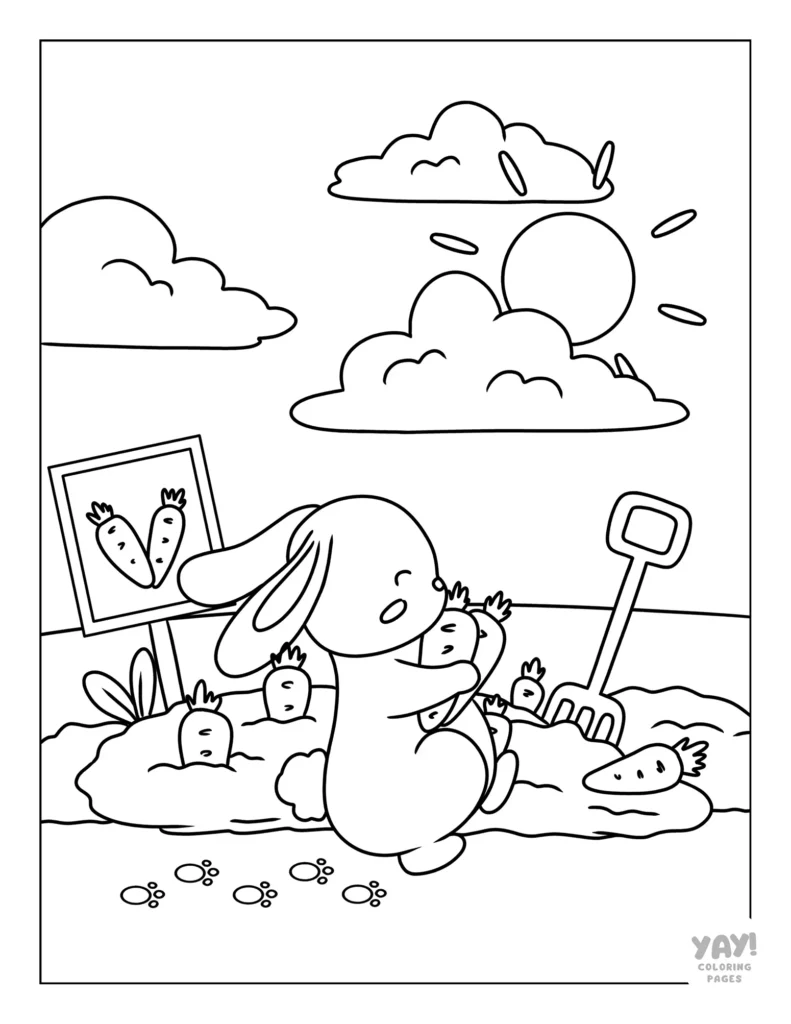
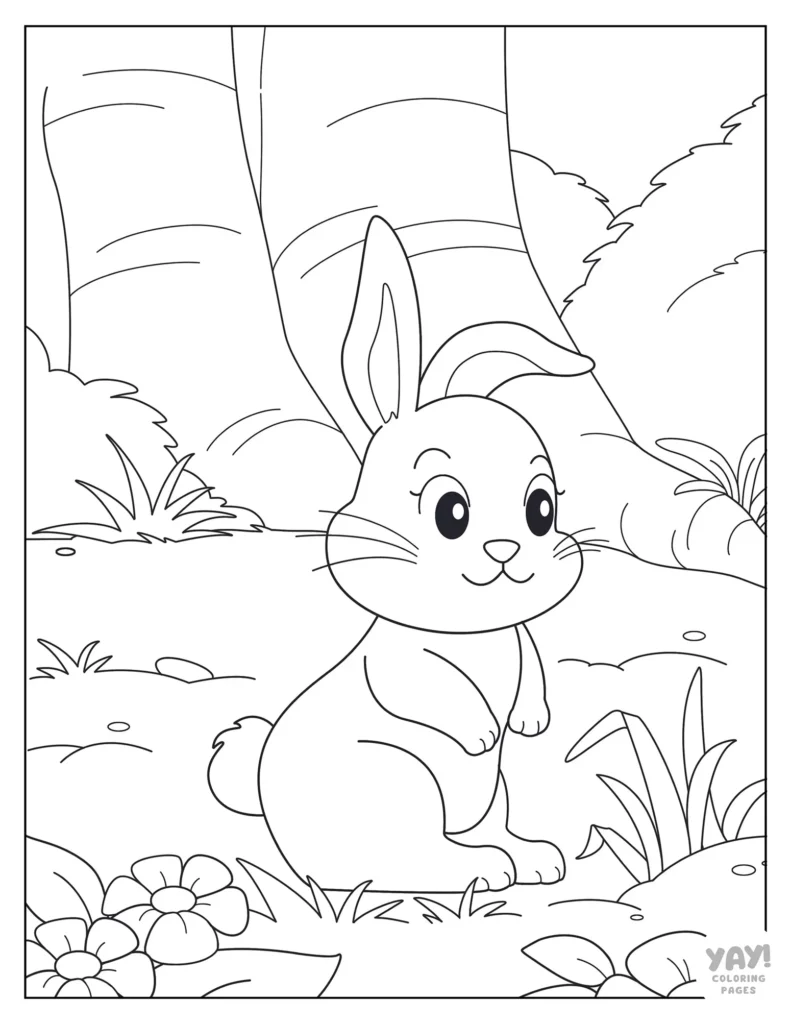
Quick Tips and Tricks
If you want to add some sparkle to your coloring pages, then this Procreate tutorial is for you. Now there might be many ways to skin a cat, but this method for adding glitter to your art doesn’t require importing any images, special brushes, or advanced skills. It’s uncomplicated!

In the work in progress image of the bunny, you can see the finished results of the glitter effect applied to the jacket and pants. (Isn’t he cute! But where is he going, the Emerald City? Maybe the Wicked premiere.)
No matter where that bun is headed, you’re just a few steps away from bringing that cute glittery look to your own coloring page.

Here are the fives steps to follow to make glitter in Procreate:
- Fill in your shape with the color you want.
- Go to Adjustments > Noise. Slide your pencil to the right to adjust the amount. Adjust Scale under Clouds to your desired amount. Then, tap Billows and adjust Octaves.
- Add shadows using your favorite brush and shadow technique.
- Use a light or white color with your pencil brush to add extra points of sparkle.
Your art should now look pretty glittery!
Once you’ve mastered this technique, play around with different settings while adding noise to see the different types of glitter you can make. Or, challenge yourself by applying this technique to lettering.
More Free Coloring Fun
We hope these bunny coloring pages were just what you were looking for! If you’re looking for more coloring pages, check out some of our other adorable collections.
Color with Us
Don’t forget to follow us on social media where we post updates about our latest coloring pages!
Coloring Page FAQs
Are these coloring pages AI?
No. We do not distribute AI coloring pages. We work with a team of artists and are committed to bringing you high quality, hand drawn coloring pages.
What kind of paper should I use to print my coloring pages?
You can use any printer paper you like. However, if you're looking for recommendations for different mediums, here is what we suggest.
For crayons and washable markers, use any paper.
For colored pencils, we recommend a 32 lb paper.
For alcohol markers, we recommend an 60 lb cover stock.
Check your printer for compatibility when purchasing paper at different weights.
What file format are the coloring pages?
Our coloring pages are high resolution PDFs.
What size are your coloring pages?
All of our free, downloadable coloring pages are US Letter size (8.5 x 11").
Can I color these pages digitally?
Yes, you can import any of our coloring pages into Procreate to color digitally.
Where can I see the full list of FAQs?
If you have more questions you'd like answered, visit our FAQ page.