Mermaids are one of the most popular mythical creatures, made famous in part by the animated Disney classic The Little Mermaid. While Ariel was unable to ignore the mysteries of the human world, we’re diving (pun intended!) into the magic of the mermaid’s underwater world. Our mermaid coloring pages is part of our larger collection of beach coloring pages, which features other interesting ocean life (fictitious and real). Each of these coloring sheets is free to download so you can color as many as you like!

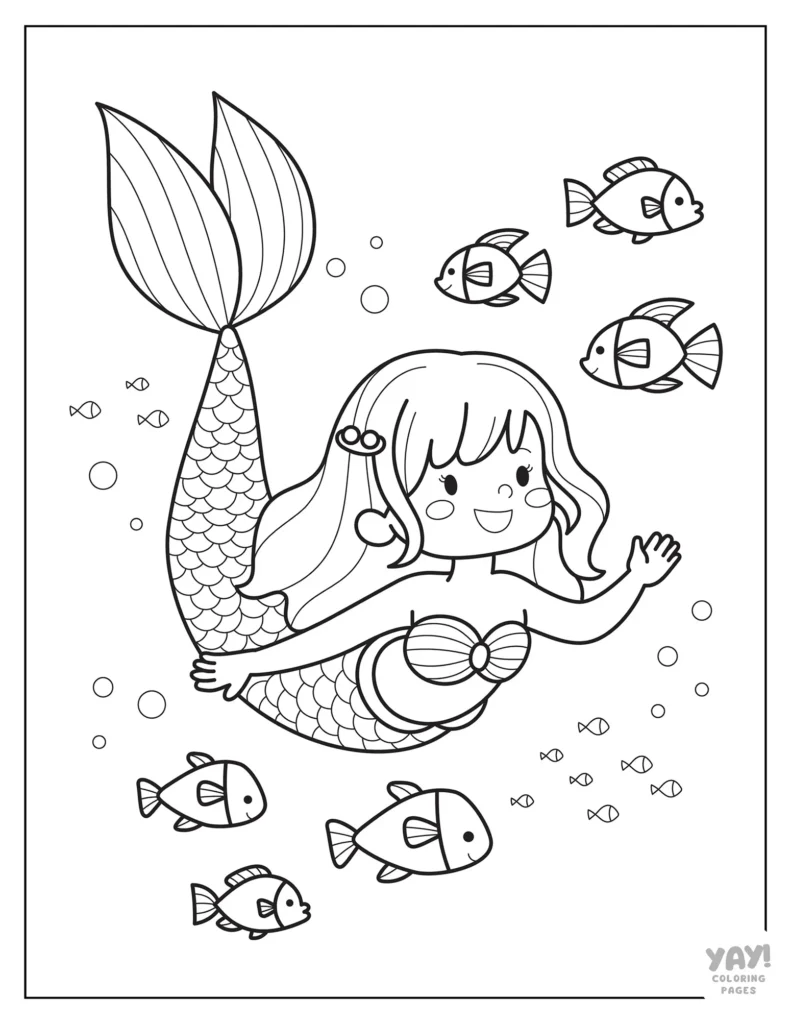
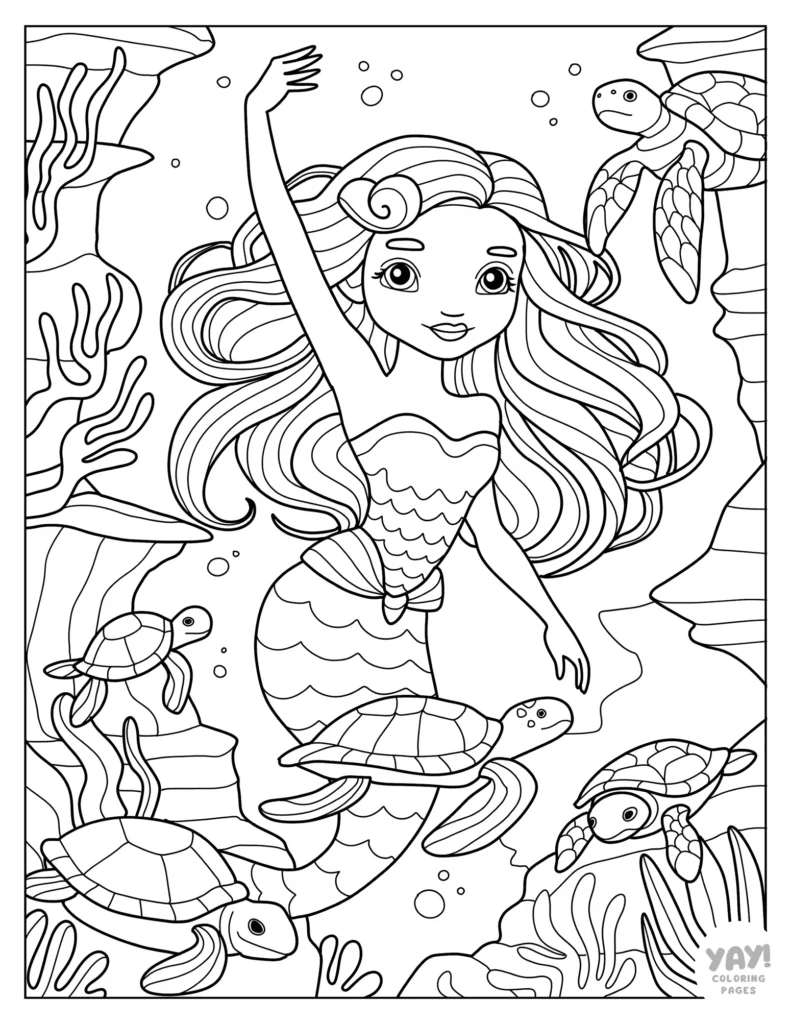
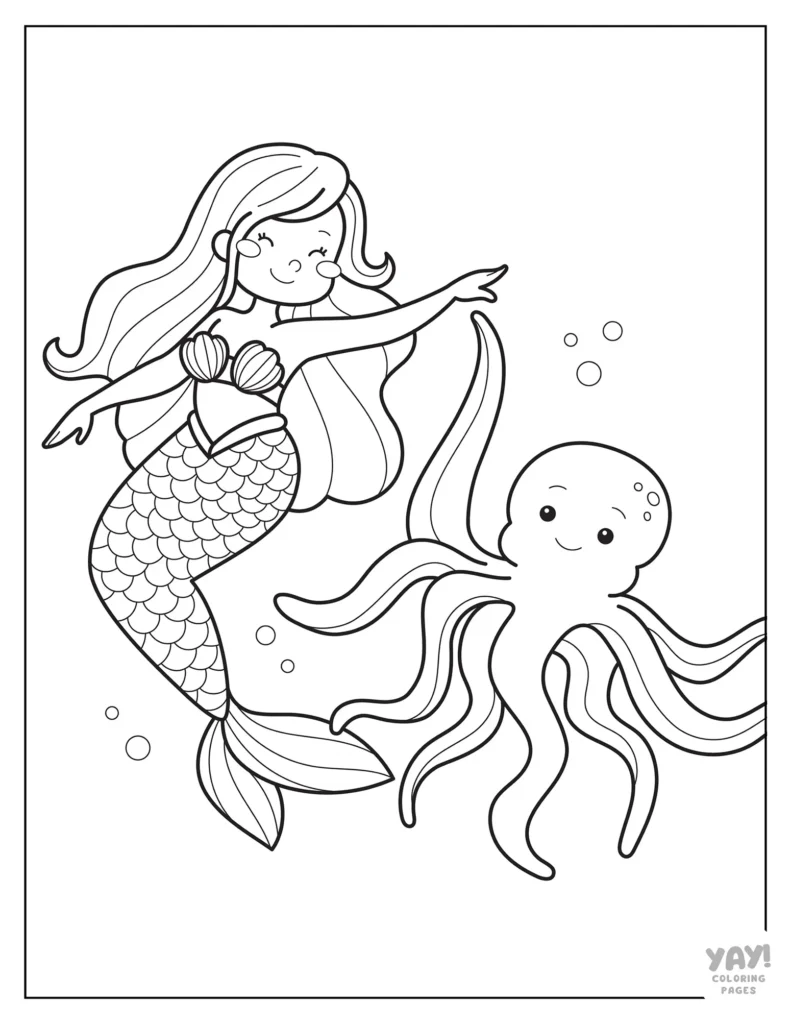
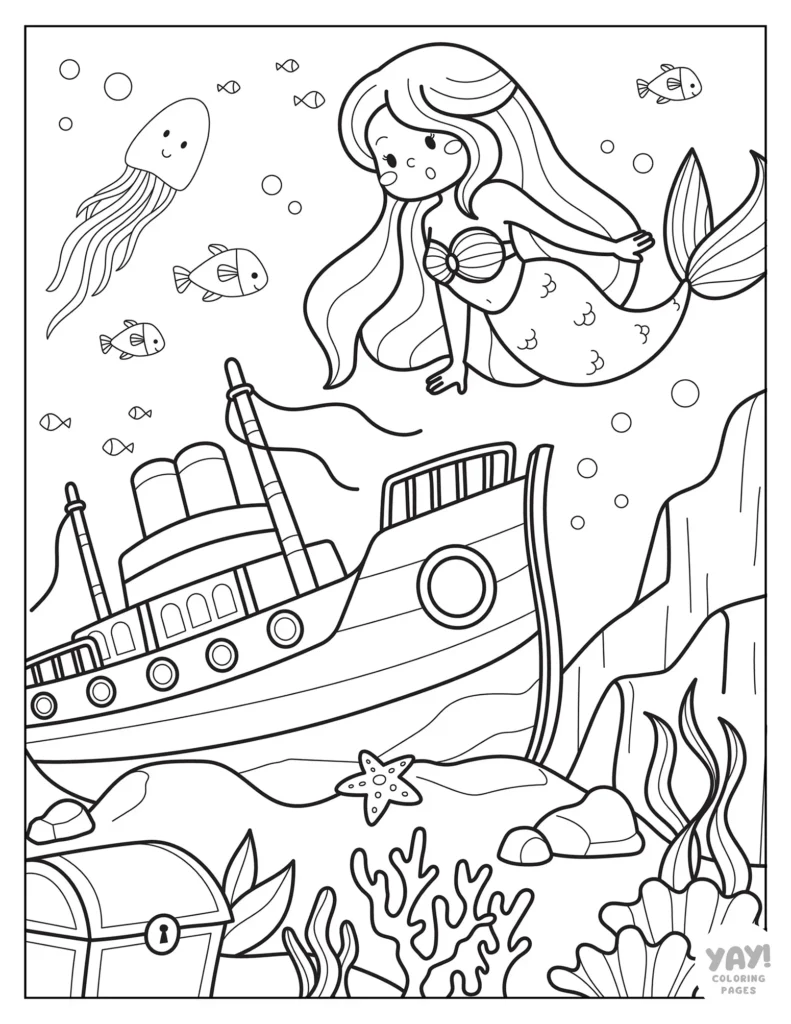
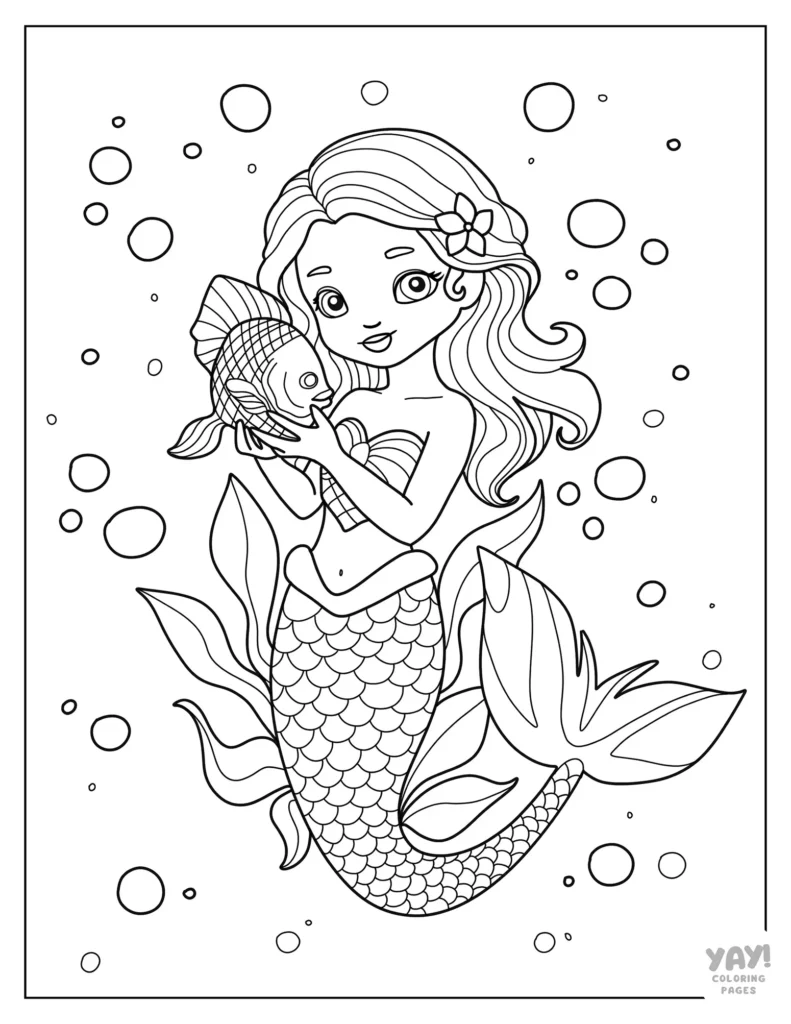
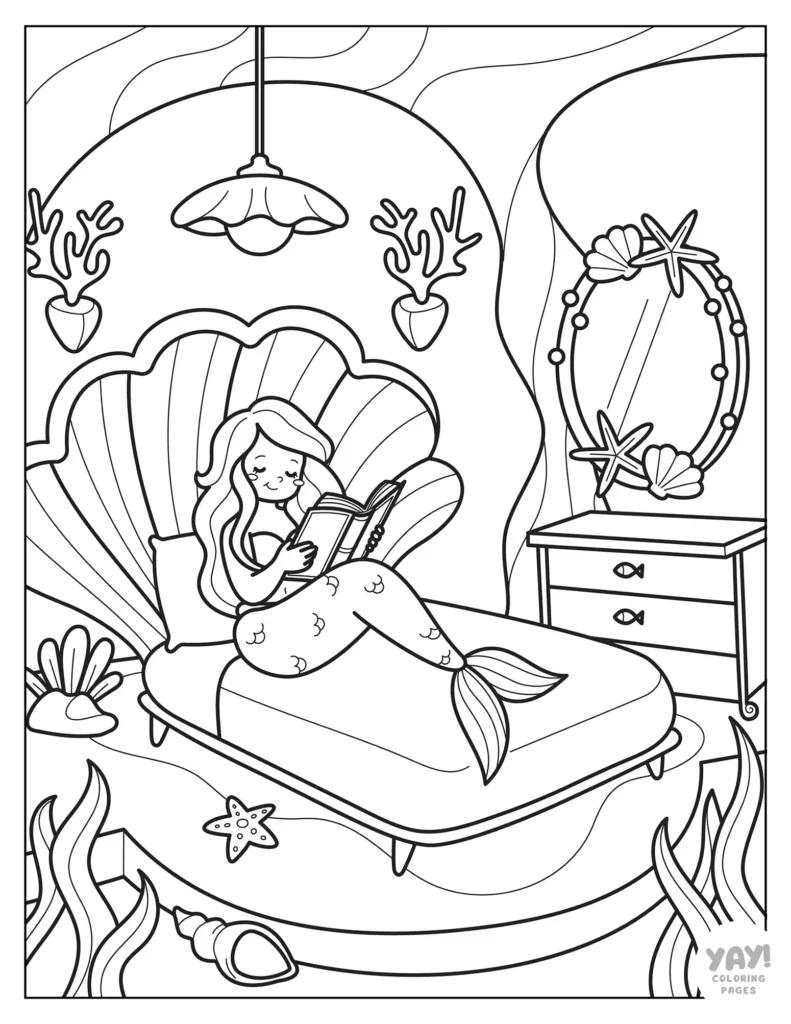
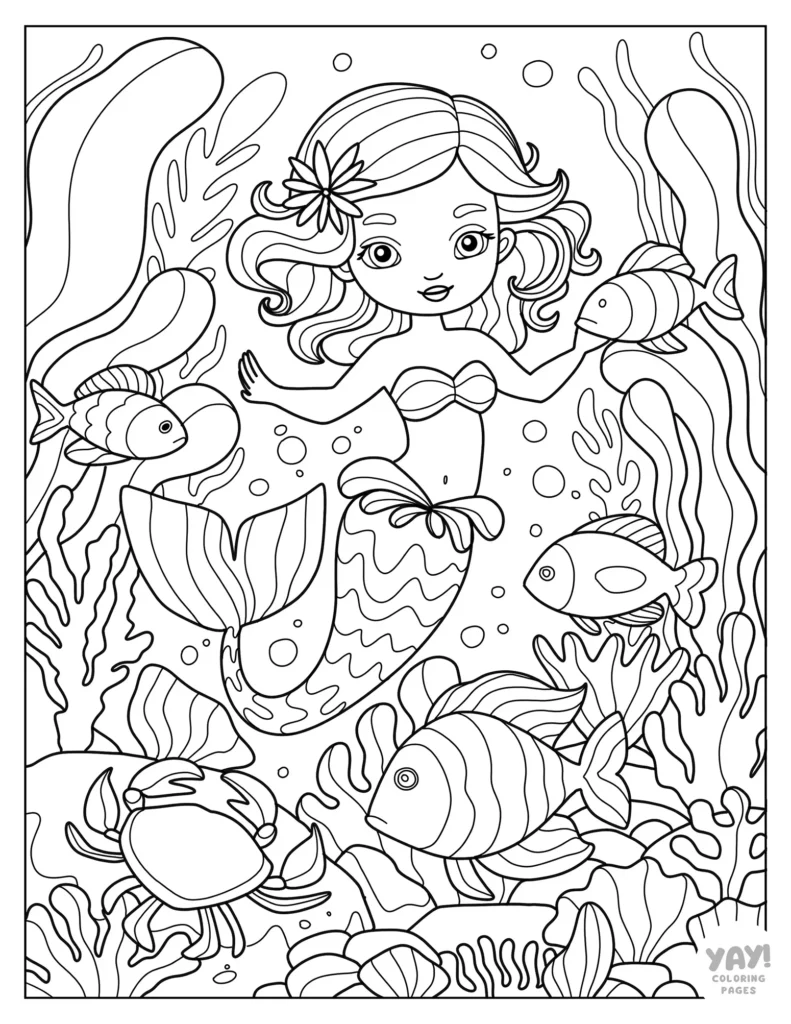
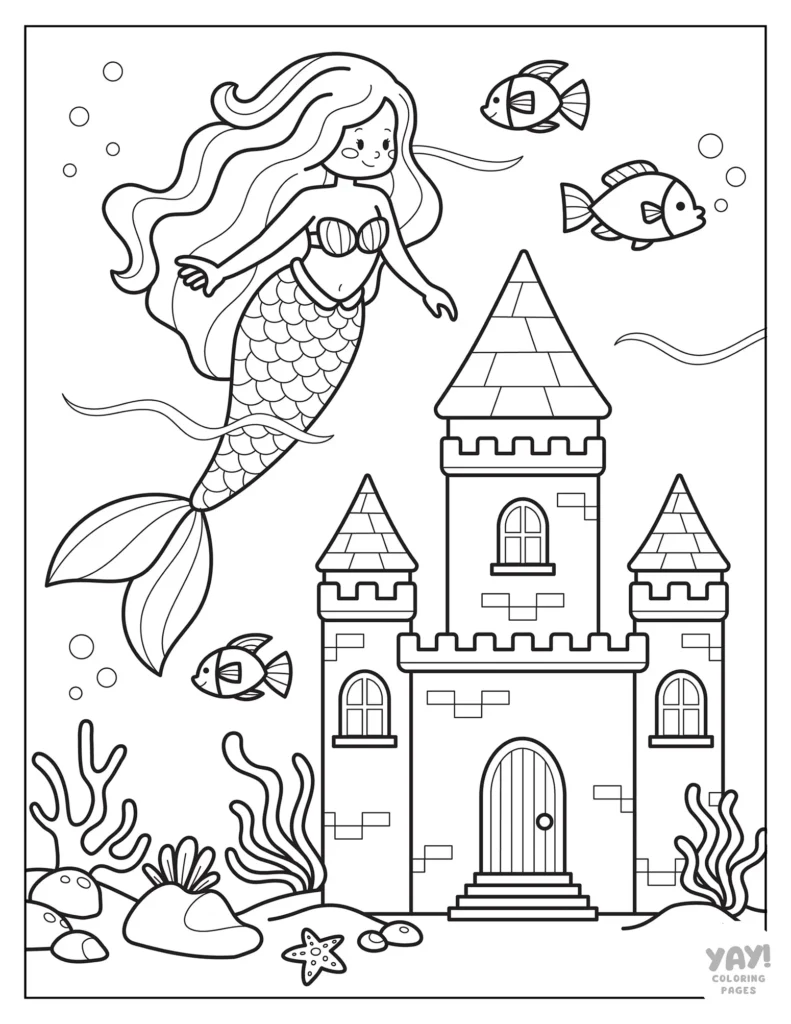
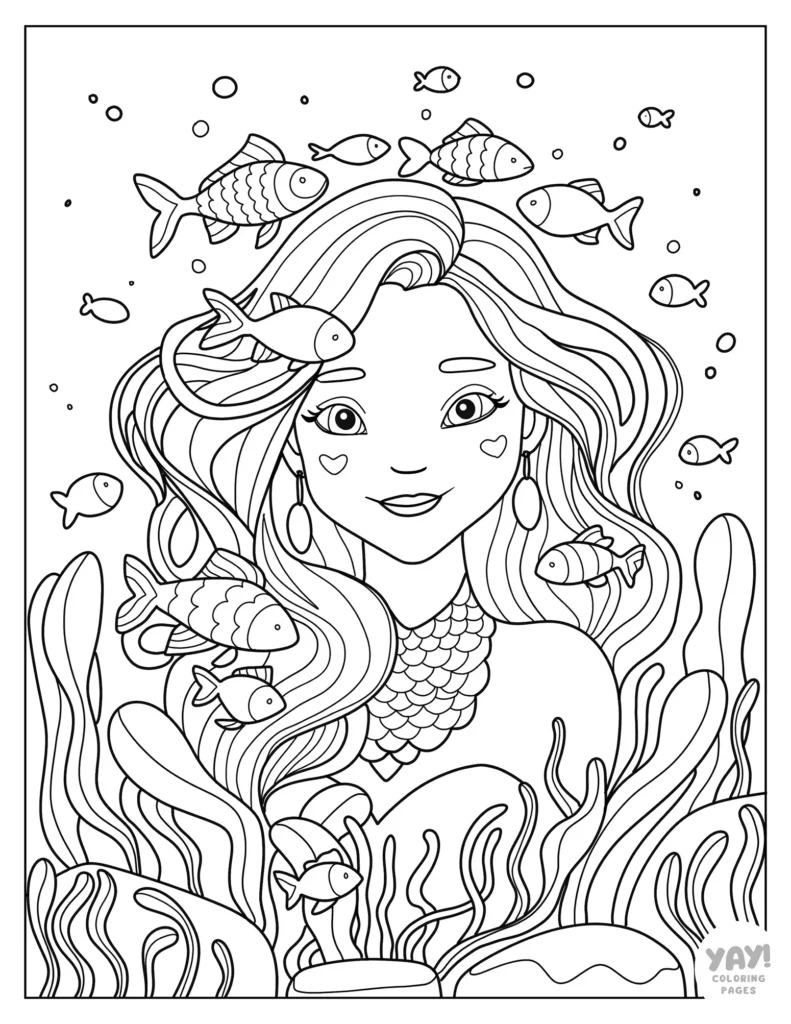
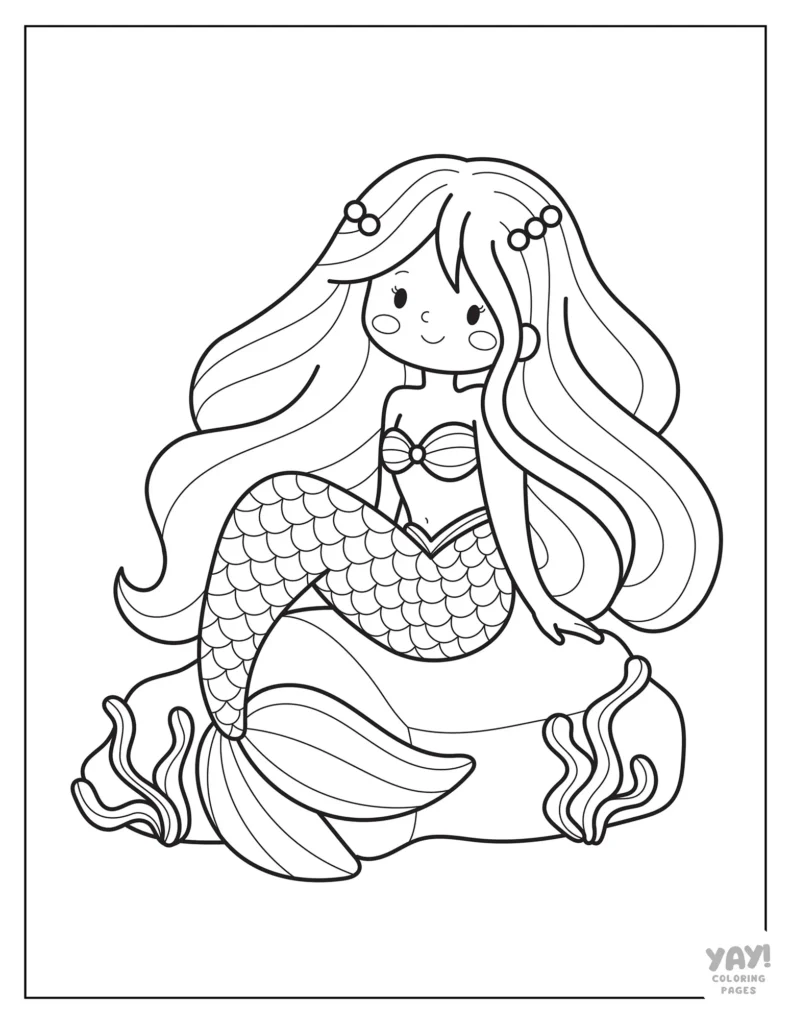
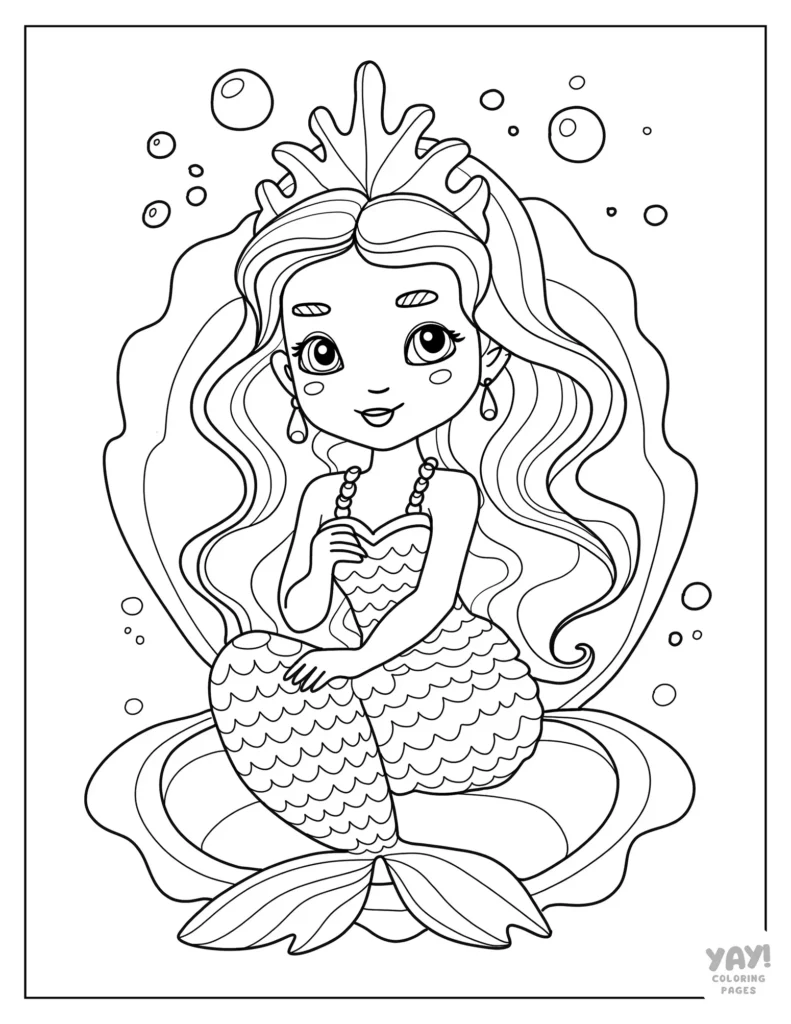
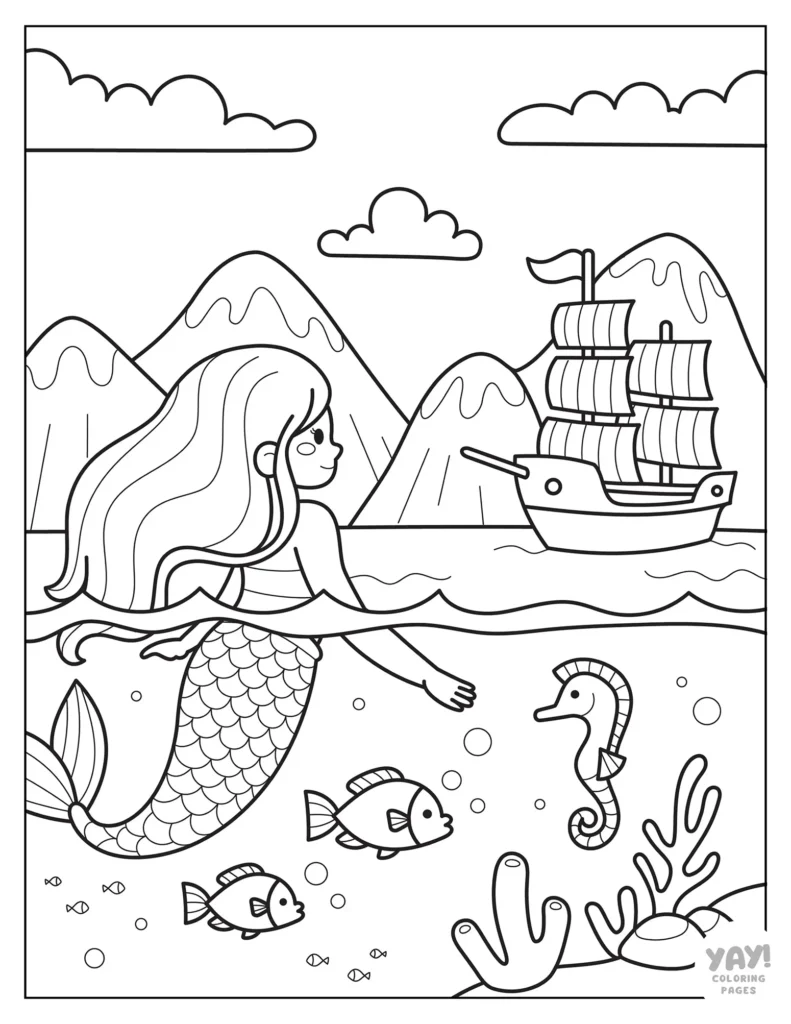
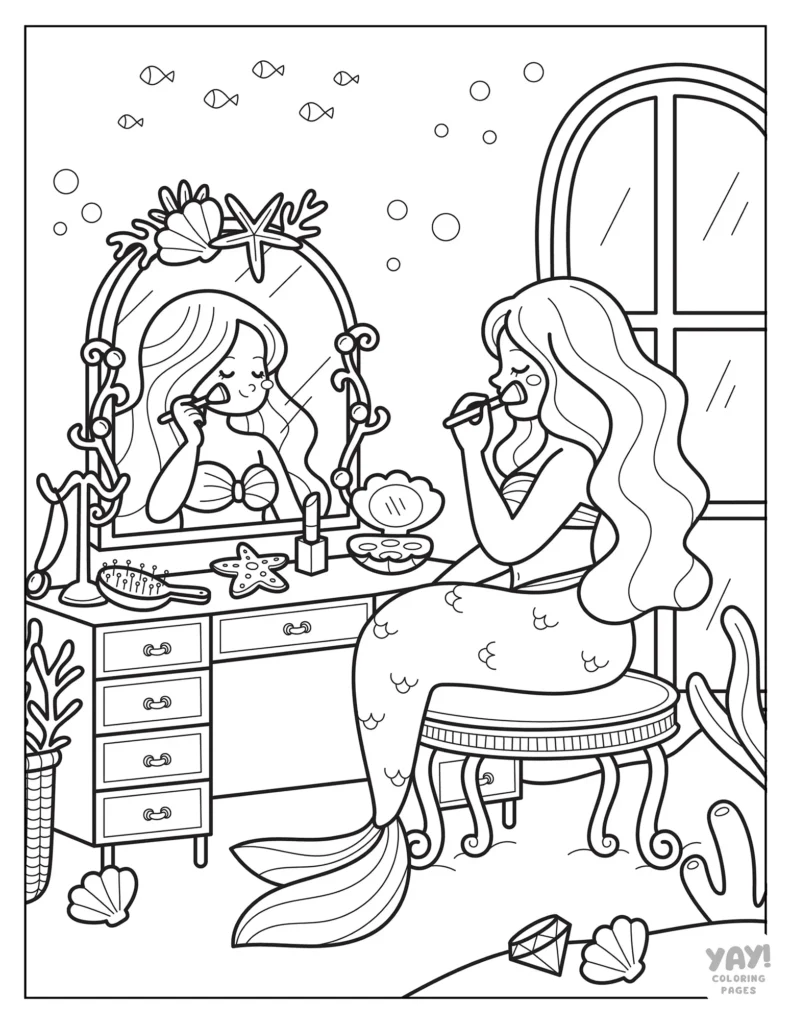
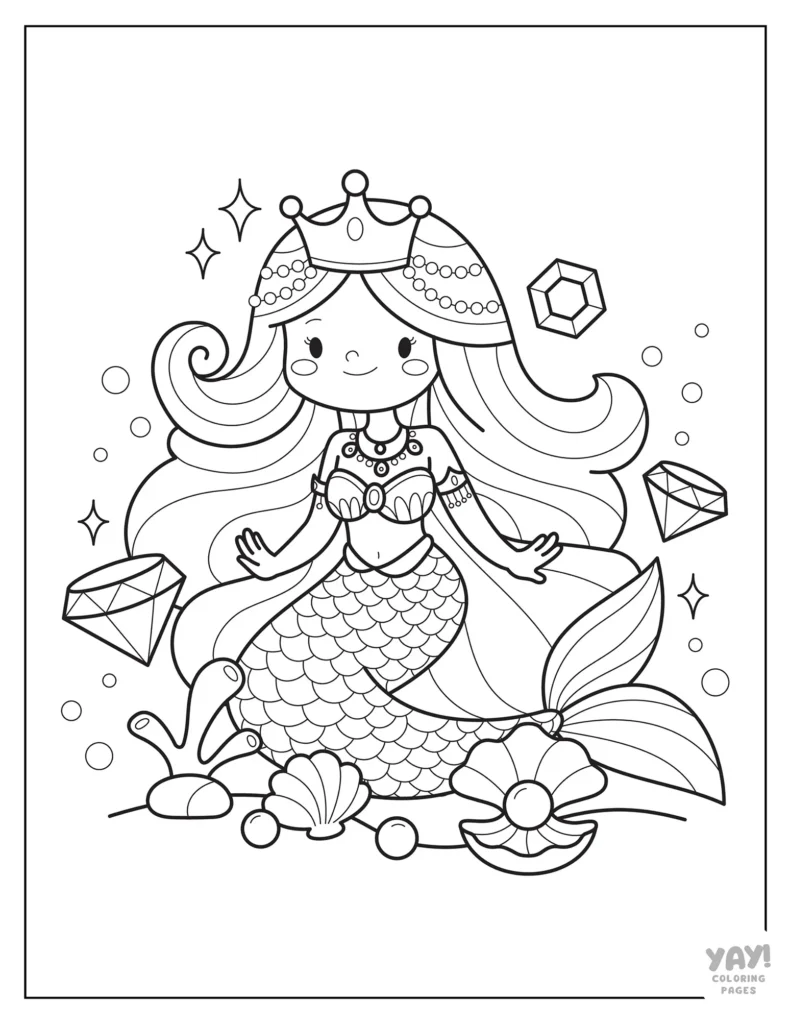
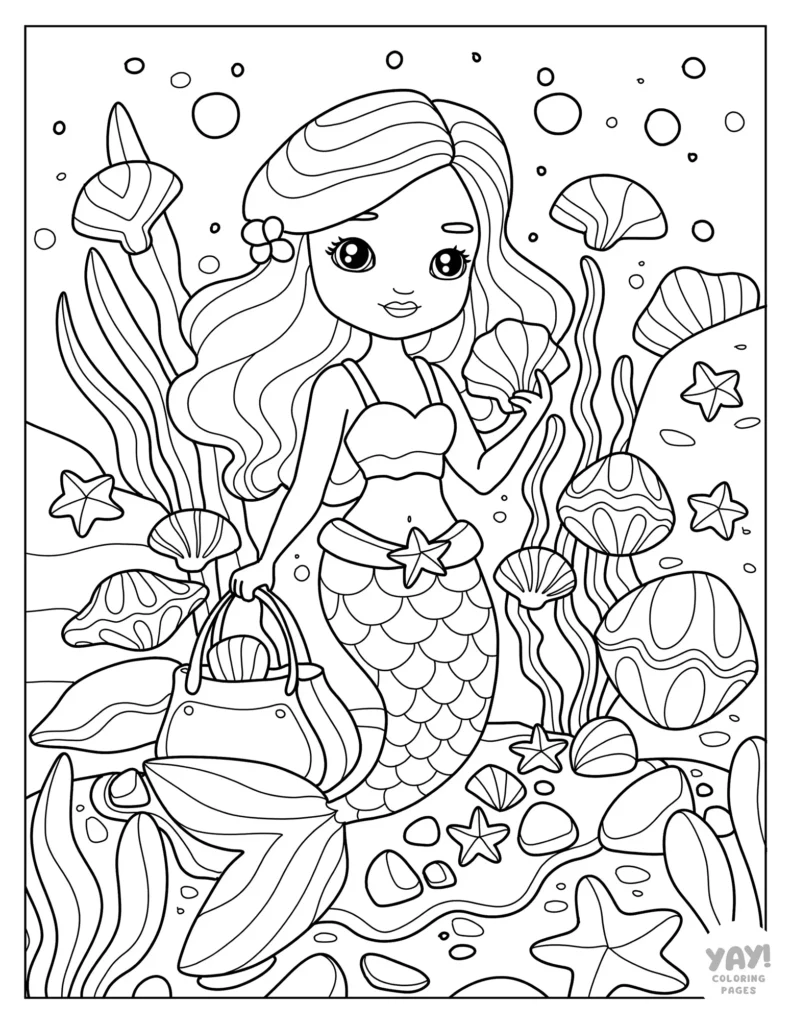
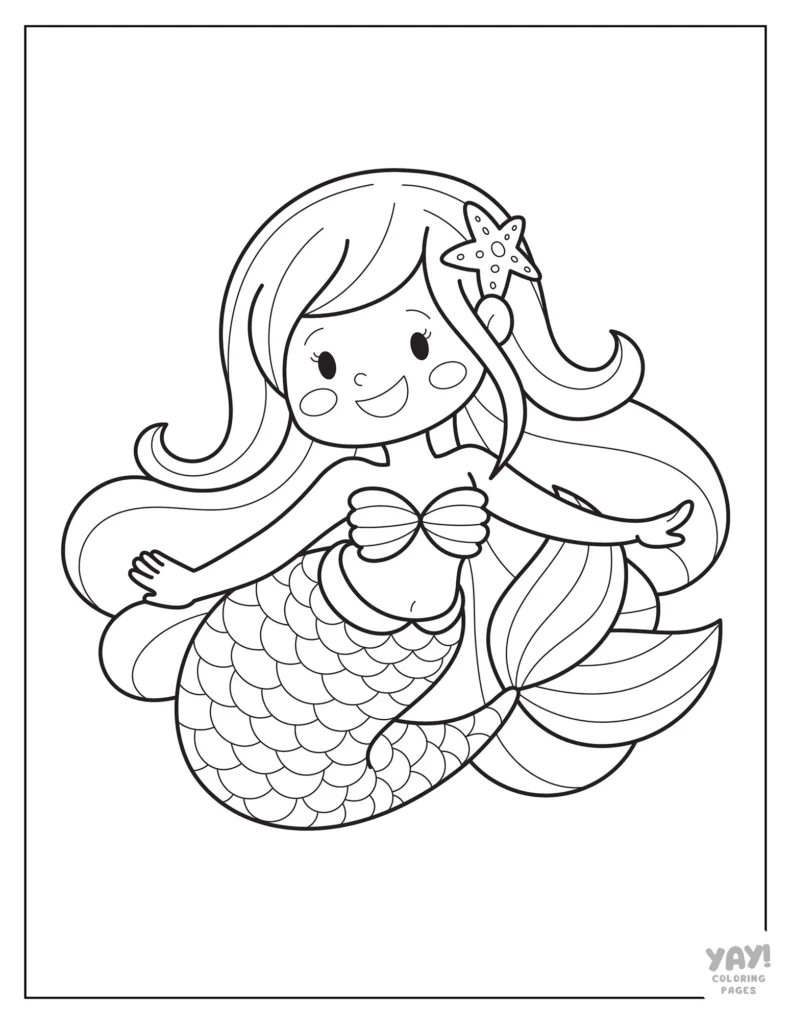
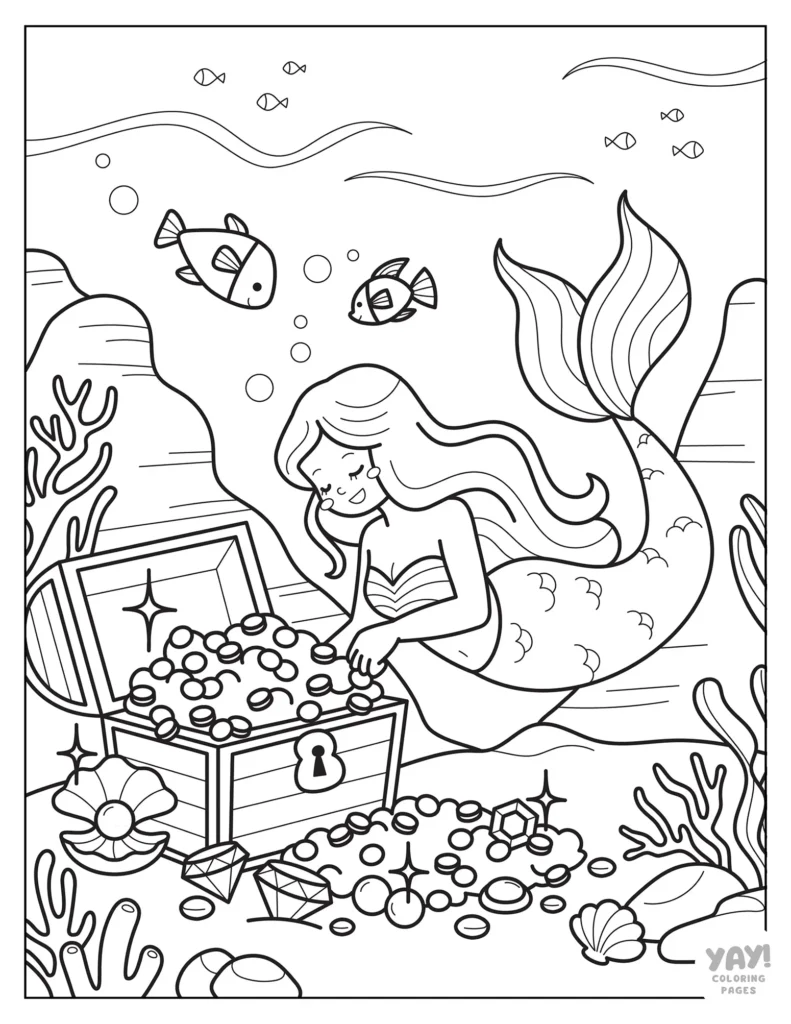
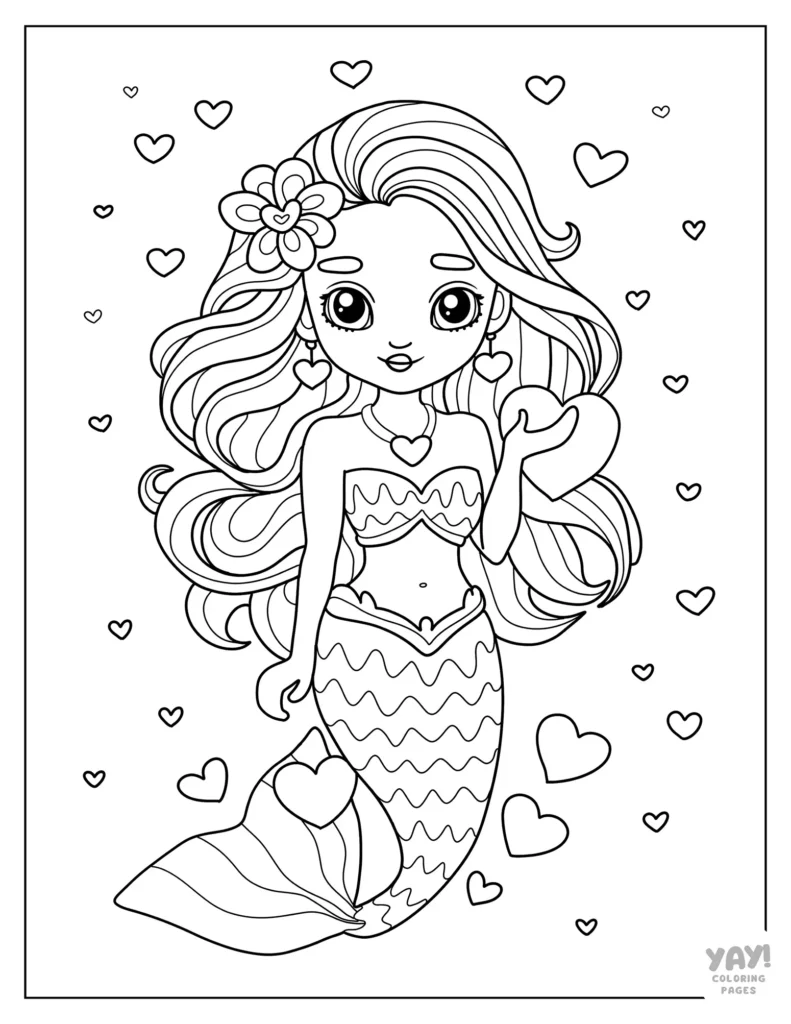
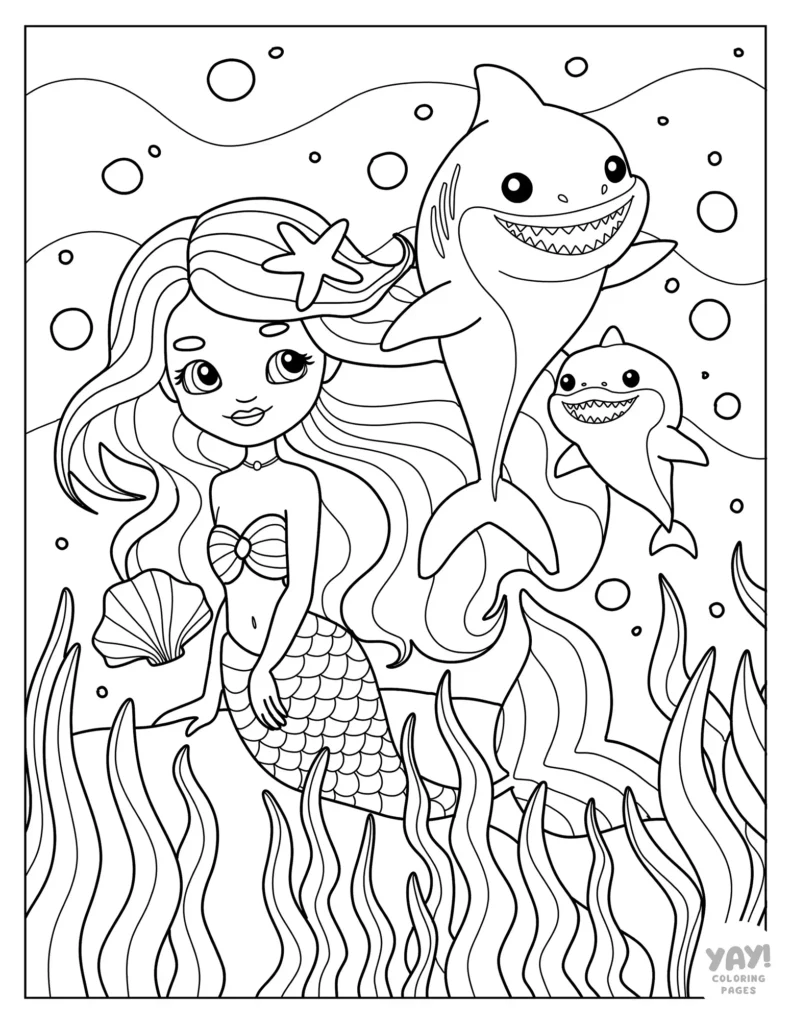
Our mermaid coloring pages have something to offer all ages. The 20 illustrations feature easy to color mermaids for kids, mermaids in underwater scenes with sunken ships and treasure, mermaids and their fish friends, and more!
How to Download Coloring Pages
Each coloring sheet is a high-resolution letter size printable PDF you can color one of two ways: on paper, or digitally. Instructions for downloading free coloring pages are below.
Download and Print
- Click the coloring page you like. The link will open a PDF in a new window.
- Save the file to your computer, or print the page. Now you can get coloring right away!
Download and Color Digitally
- Click the coloring page you like. The link will open a PDF in a new window.
- Save the file to your computer or tablet.
- Open the file in your favorite coloring app. To color in Procreate, check our Guide to Coloring in Procreate for a quick tutorial on how to get set up.
All coloring pages are for personal, non-commercial use only.

Explore Related Themes
Mermaid Coloring Pages
Quick Tips and Tricks
Using shadow is a great way to bring dimension to your overall image and attention to specific elements or areas within your piece. Naturally, there’s a lot of dynamic moments with light and dark underwater, so a mermaid coloring page seemed a fitting theme for the exercise.

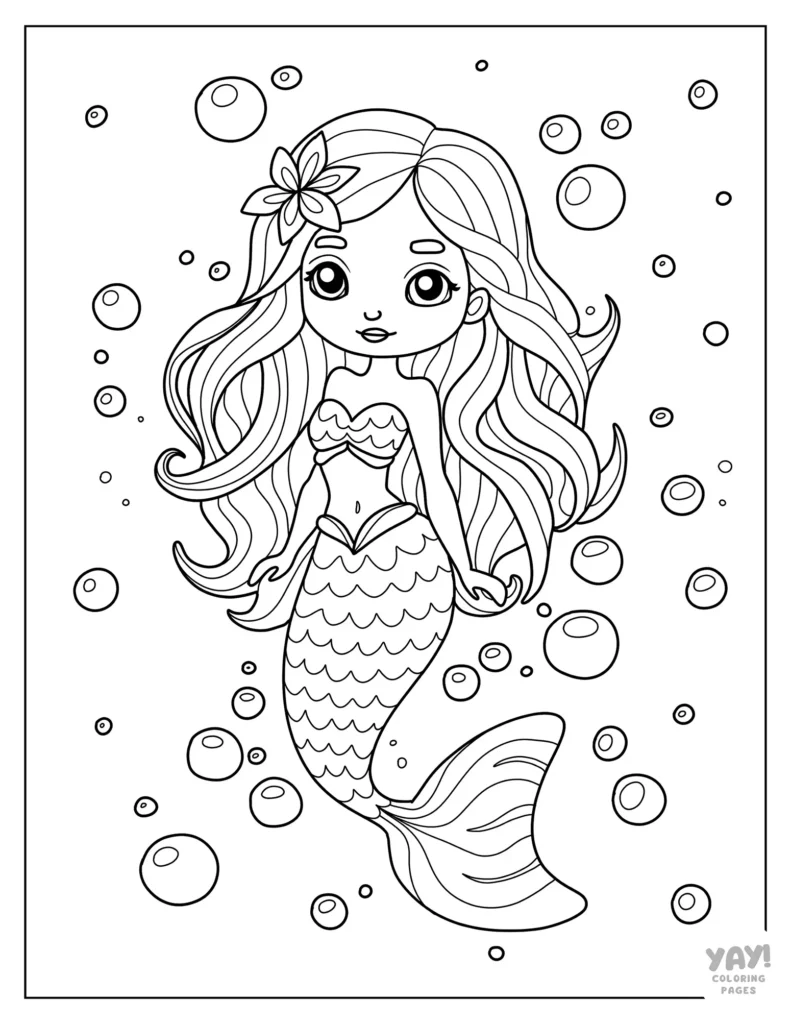
Using the Mermaid with Bubbles coloring page, we’ll go through examples of how shadows enhance your art, plus instructions for how to add them to your coloring page in Procreate.
Adding Shadows in Procreate
Shadows can change the depth and feel of your image depending on how much or little you use them and where you place them.

In the second image, shadows have been added to the mermaid’s tail, body, and hair. The first image doesn’t have additional shadowing, giving the tail a flatter look.

Adding shadow can really change the look of an image. In the first image, the mermaid has no shadowing. In the second image, she has shadowing in multiple spots like her hair, flower, and under her chin.

Adding shadow to the environment also helps bring depth to this underwater scene. The water in the first image isn’t shaded. On the right, a subtle shadow crosses over the mermaid’s hair and body. This makes the mermaid feel like she’s in the water instead of just stuck on top of it.
Step-by-Step Instructions
To add shadows to your coloring page in Procreate:
- Add a new Layer over your colored-in layer(s).
- Change the Blend Mode to Multiply.
- Your shadow’s color choice is up to you, but if you don’t know where to start, start by choosing the same color as the object you want to add shadow to.
- Optional: Play around with the opacity to get the shadow just right for your piece.
Bonus Tips
It’s easy to create multiple versions of the same colored image just by playing around with shadow.

The image above cycles through four different versions of the same colored-in image, each using shadow in different ways. There’s a lot to explore in adding shadow to your image that provides big payoff in your final piece!
More Free Coloring Fun
We hope these mermaid coloring pages helped you get lost in their mystical world! If you’re looking for more free coloring pages, check out these collections.
Color with Us
Don’t forget to follow us on social media where we post updates about our latest coloring pages!
Coloring Page FAQs
Are these coloring pages AI?
No. We do not distribute AI coloring pages. We work with a team of artists and are committed to bringing you high quality, hand drawn coloring pages.
What kind of paper should I use to print my coloring pages?
You can use any printer paper you like. However, if you're looking for recommendations for different mediums, here is what we suggest.
For crayons and washable markers, use any paper.
For colored pencils, we recommend a 32 lb paper.
For alcohol markers, we recommend an 60 lb cover stock.
Check your printer for compatibility when purchasing paper at different weights.
What file format are the coloring pages?
Our coloring pages are high resolution PDFs.
What size are your coloring pages?
All of our free, downloadable coloring pages are US Letter size (8.5 x 11").
Can I color these pages digitally?
Yes, you can import any of our coloring pages into Procreate to color digitally.
Where can I see the full list of FAQs?
If you have more questions you'd like answered, visit our FAQ page.